Official Blackmagic Design Training
DaVinci Resolve
Certified Training
Welcome to Luma Studio — proudly the first official Blackmagic Design Training Partner in Iraq. Hands-on courses that follow the official Blackmagic Design curriculum, led by an officially certified trainer.
Official CurriculumCertified TrainerCertification ExamHands-on in Baghdad

Official Training PartnerFirst in Iraq
The Path
From first click to certified.
Every course follows the same official route set by Blackmagic Design.
STEP 01
Learn the official curriculum
Lessons built strictly on the Blackmagic Design certified training books for DaVinci Resolve 20.
STEP 02
Practice hands-on
Work inside DaVinci Resolve in class, guided step by step by a certified trainer.
STEP 03
Take the certification exam
At the end of the course you are offered the official Blackmagic Design certification exam.
Official Certified Courses
Choose your course.
Three official tracks. Tap a course to see what you will cover.
Foundation
The Beginner's Guide to DaVinci Resolve 20
A comprehensive introduction to video editing, color correction, audio mixing and visual effects. Designed to equip you with the essential tools to complete a project from start to finish.
01
Organizing a New Project
Setting up databases, importing media, and managing metadata efficiently.
02
Assembling a Rough Cut
Working in the Edit page, creating timelines, and performing basic edits.
03
Refining a Timeline
Trimming tools, slipping and sliding clips, and dynamic timeline adjustments.
04
Applying Transitions and Effects
Adding cross dissolves, customizing transitions, and applying Resolve FX.
05
Working with Audio
Introduction to the Fairlight page, mixing audio tracks, recording voiceovers, and adjusting levels.
06
Introduction to Color Correction
Navigating the Color page, performing primary color adjustments, and understanding scopes.
07
Delivering a Final Program
Exporting projects for web, broadcast, and digital cinema using the Deliver page.
Color
The Colorist's Guide to DaVinci Resolve 20
The official Blackmagic Design color grading curriculum: primary and secondary corrections, node-based workflows and color management.
01
Balancing Footage
Understanding the color grading workflow, normalizing log footage, and achieving accurate primary balances.
02
Creating Color Continuity
Matching shots across a scene, utilizing stills, and ensuring visual consistency.
03
Correcting Isolated Areas
Power Windows, HSL Qualifiers, and tracking techniques to isolate and enhance specific elements.
04
Advanced Node Tree Structures
Building efficient node graphs, using Parallel and Layer nodes, and keeping complex grades organized.
05
DaVinci Resolve Color Management
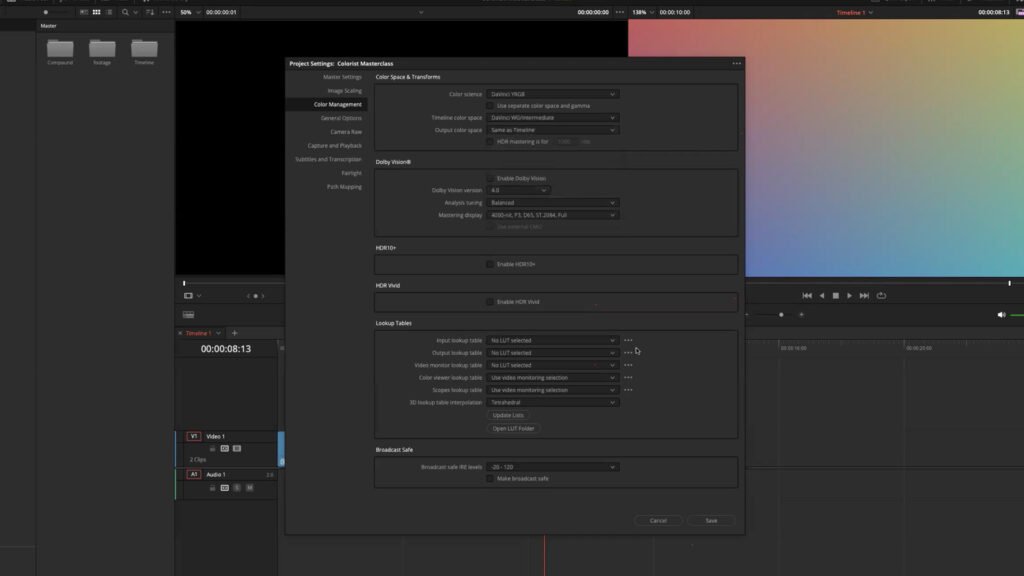
Color-managed workflows (RCM/ACES), different color spaces, and handling RAW media.
06
Creative Looks and Emulation
Crafting cinematic looks, contrast and color harmonies, and applying creative LUTs safely.
07
Delivery and Optimization
Preparing the timeline for final render, caching strategies, and rendering high-quality masters.
Editing
The Editor's Guide to DaVinci Resolve 20
The craft of professional editing: advanced trimming, multicamera editing, audio and complex workflows.
01
Organizing a New Project
Setting up project settings, optimizing media, and creating smart bins.
02
Assembling the Rough Cut
Working efficiently with source tapes, the Cut page, and append edits.
03
Moving Clips in the Timeline
Swapping clips, performing insert edits, and ripple replacements.
04
Refining the Edit
Advanced trimming tools, slip and slide edits, and dynamic trimming.
05
Multicamera Editing
Syncing multiple angles, live editing multicam timelines, and refining cuts.
06
Working with Audio in the Edit Page
Keyframing volume, applying audio transitions, and basic mixing.
07
Adding Effects and Transitions
Customizing Resolve FX, keyframing effects, and rendering in place.
08
Delivering the Final Project
Exporting multiple timelines, formatting for broadcast and web, and project archiving.
These courses strictly follow the Blackmagic Design certified curriculum. Looking for Bilal's own color grading course? See Our Courses.
Certified to Teach
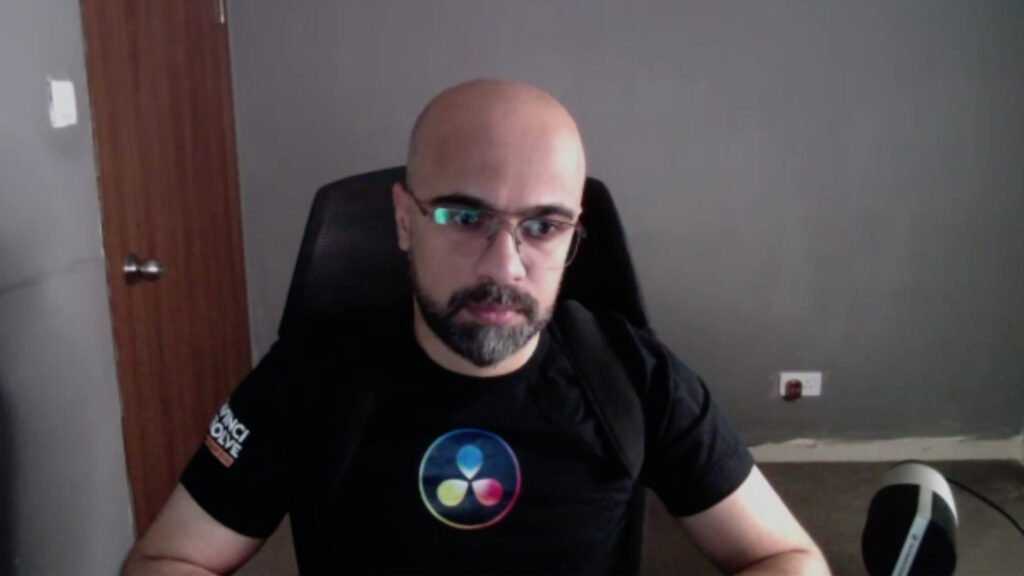
Officially certified by Blackmagic Design.
Tap any certificate to view it.
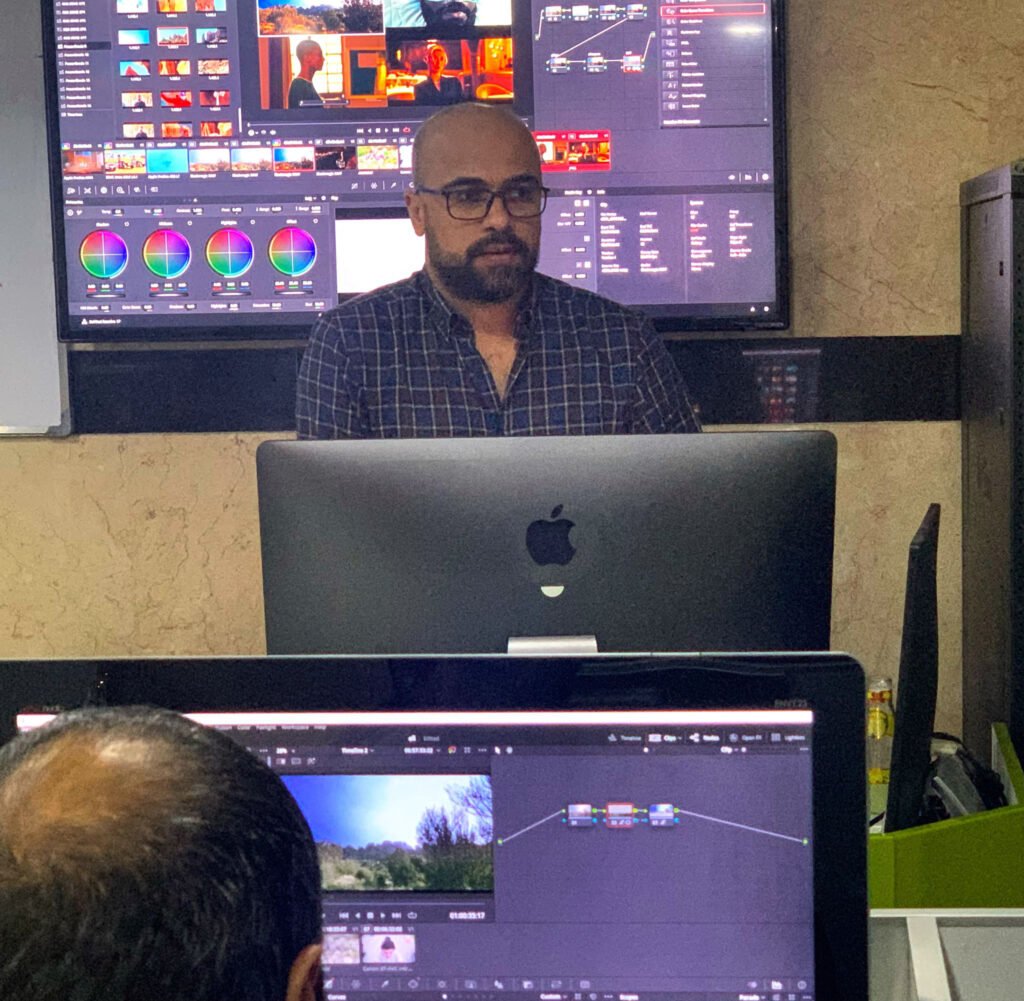
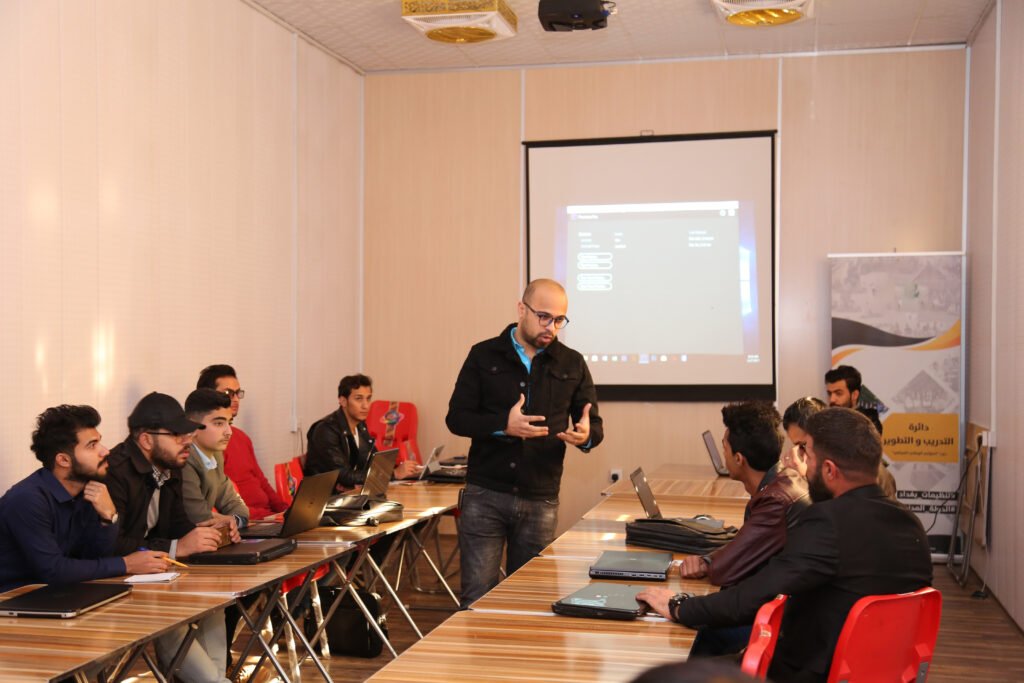
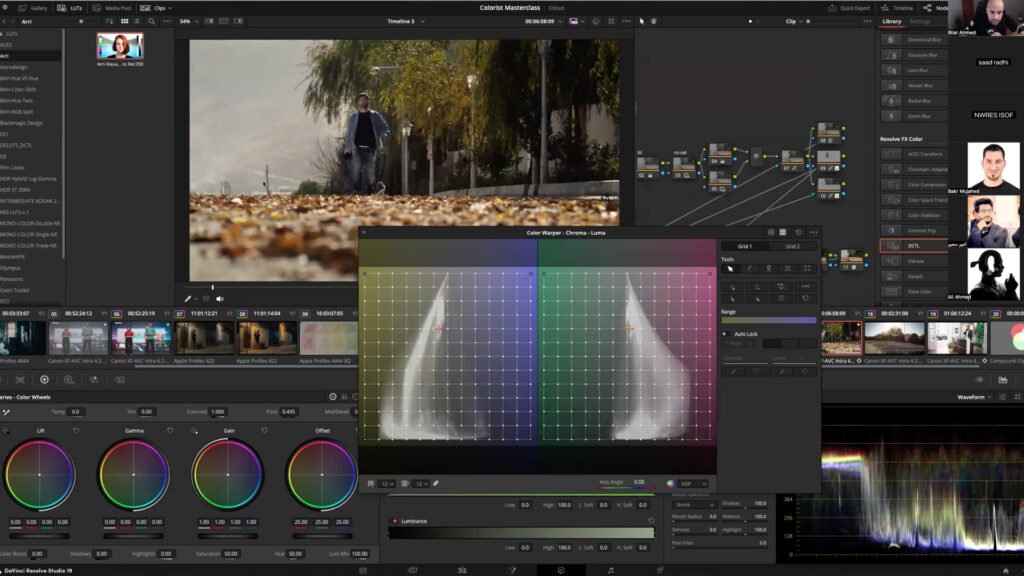
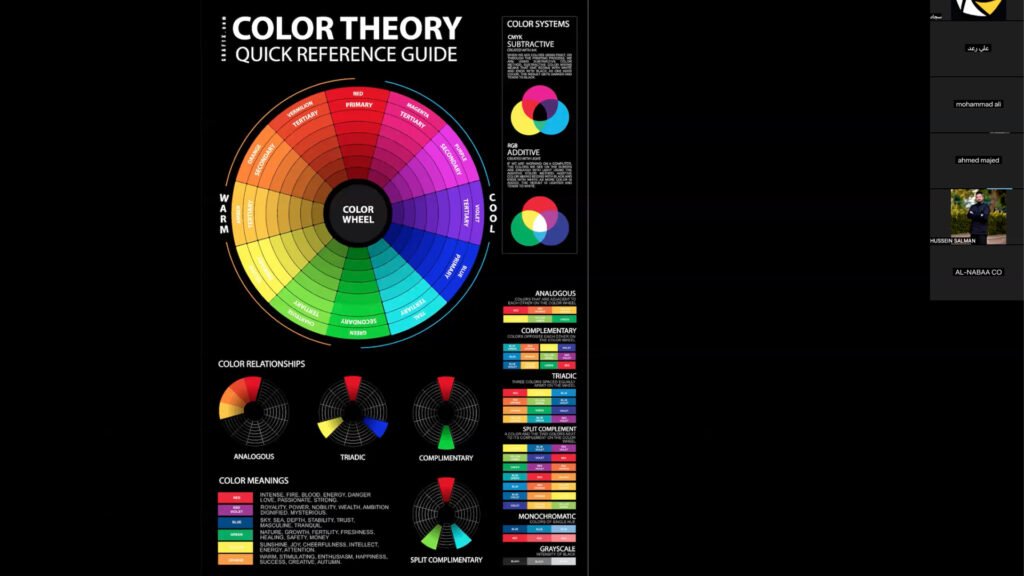
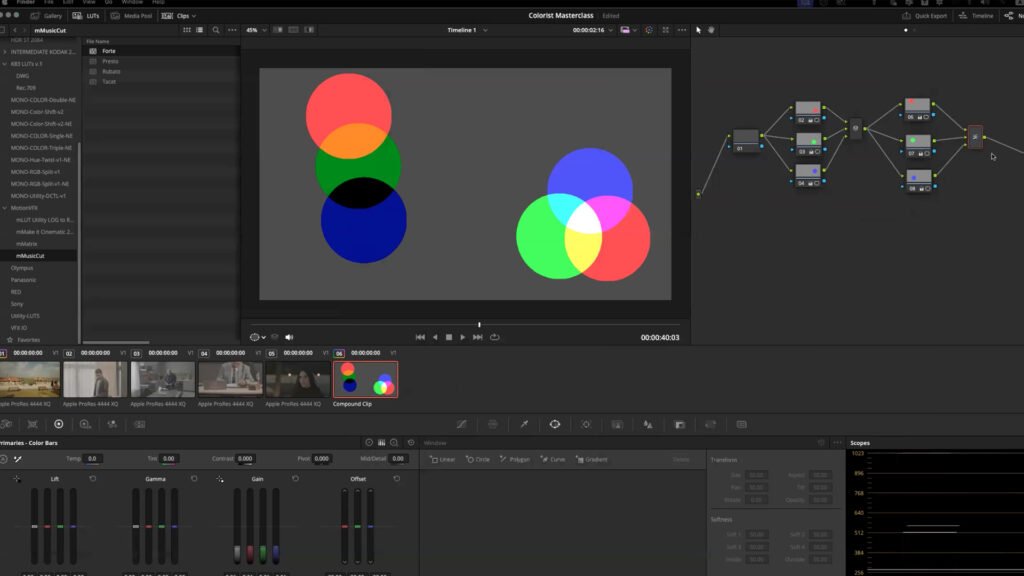
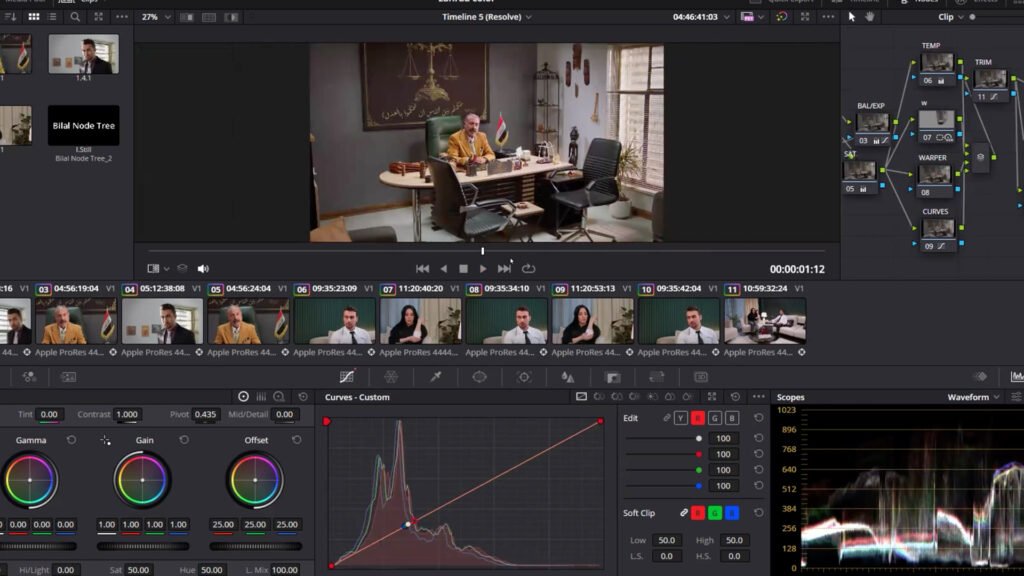
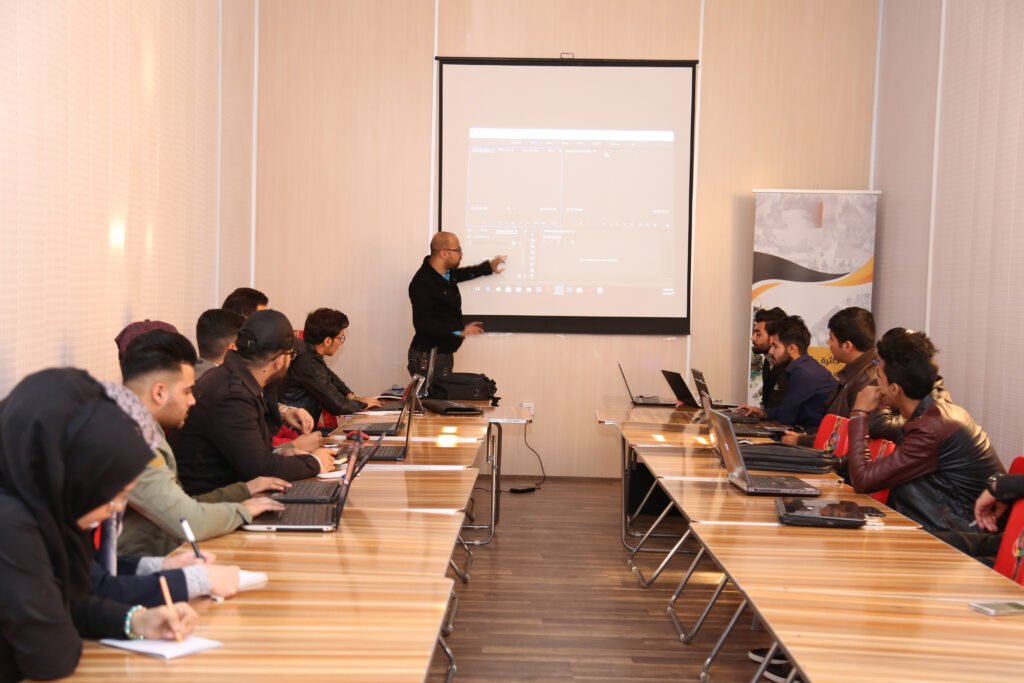
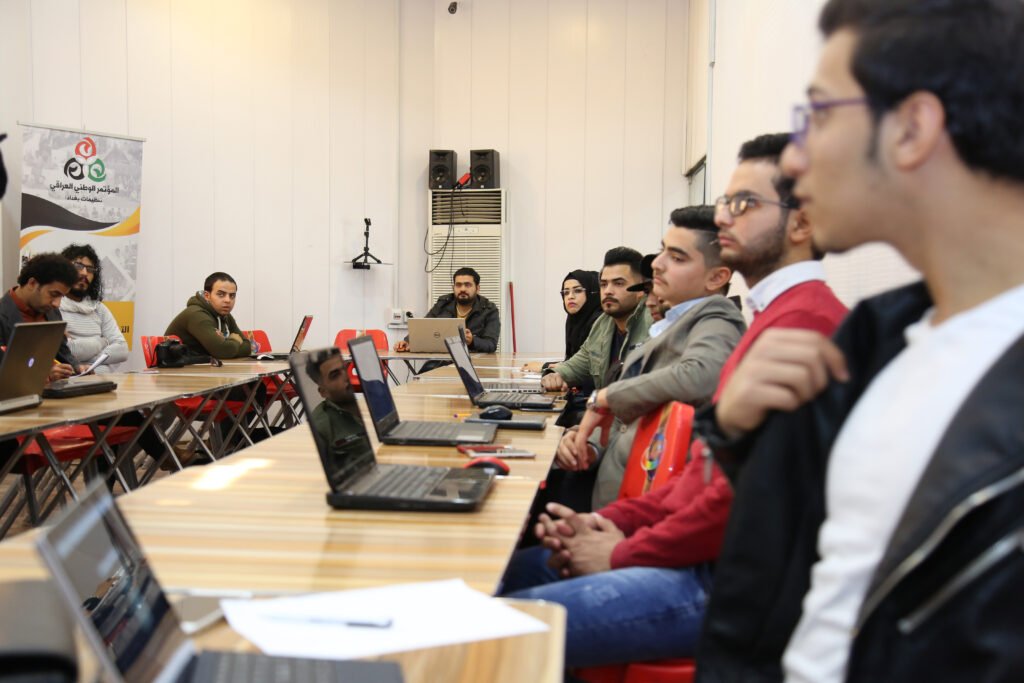
In the Classroom
Previous courses.
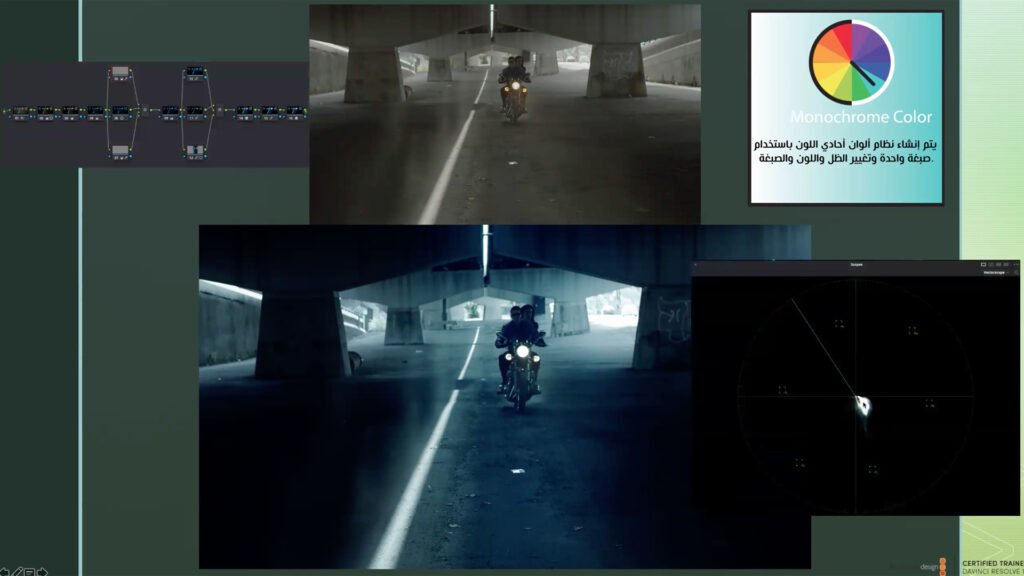
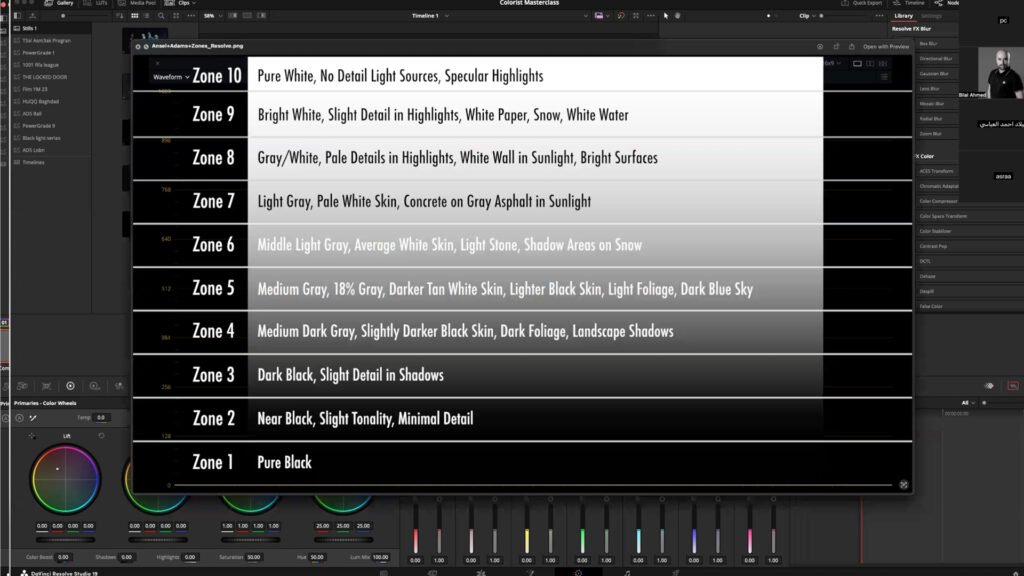
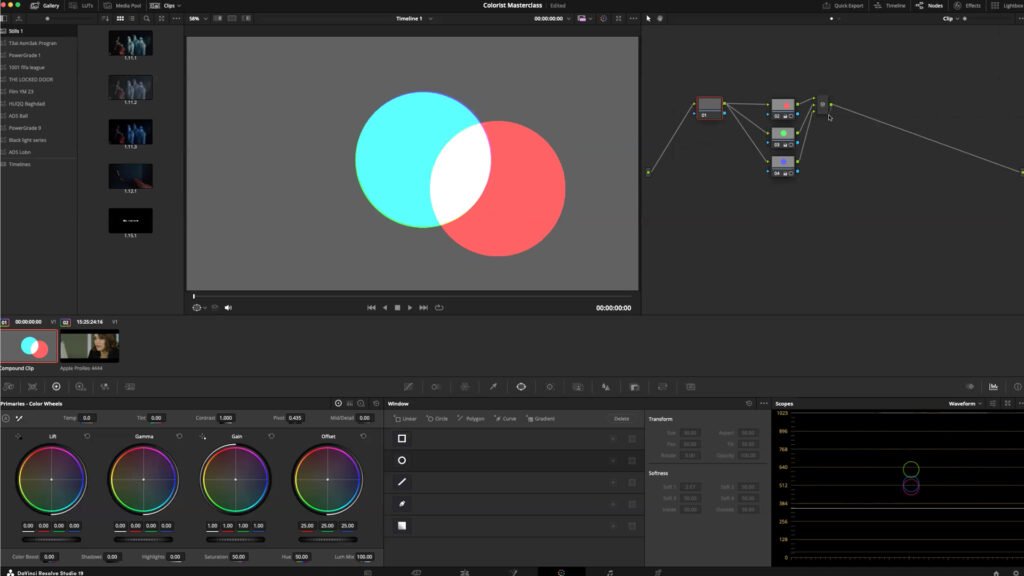
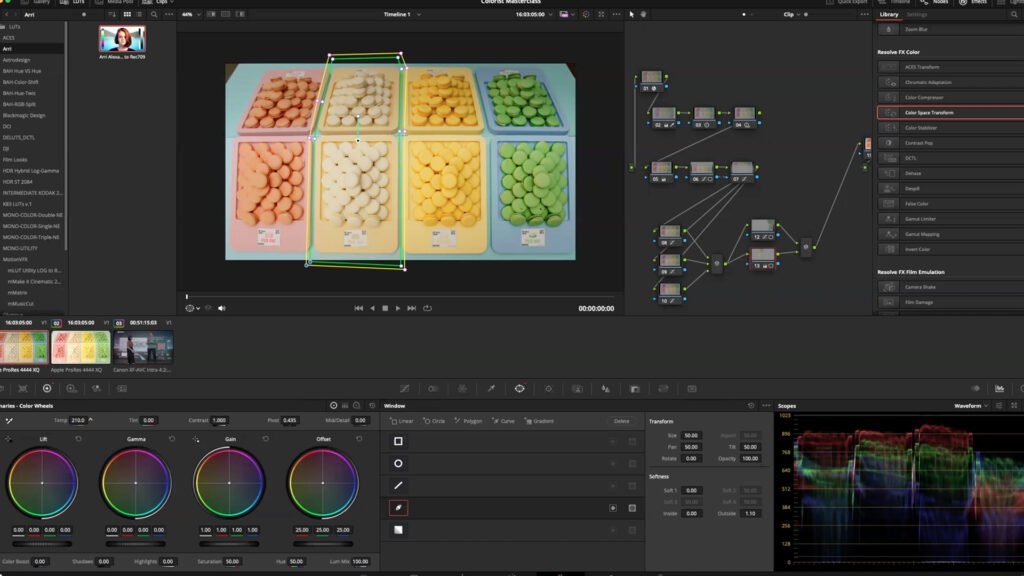
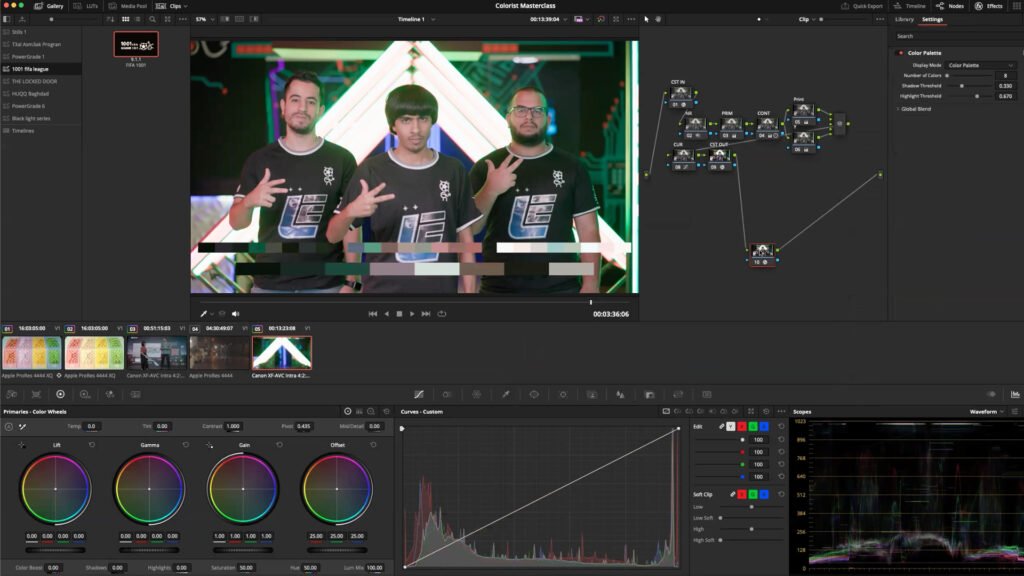
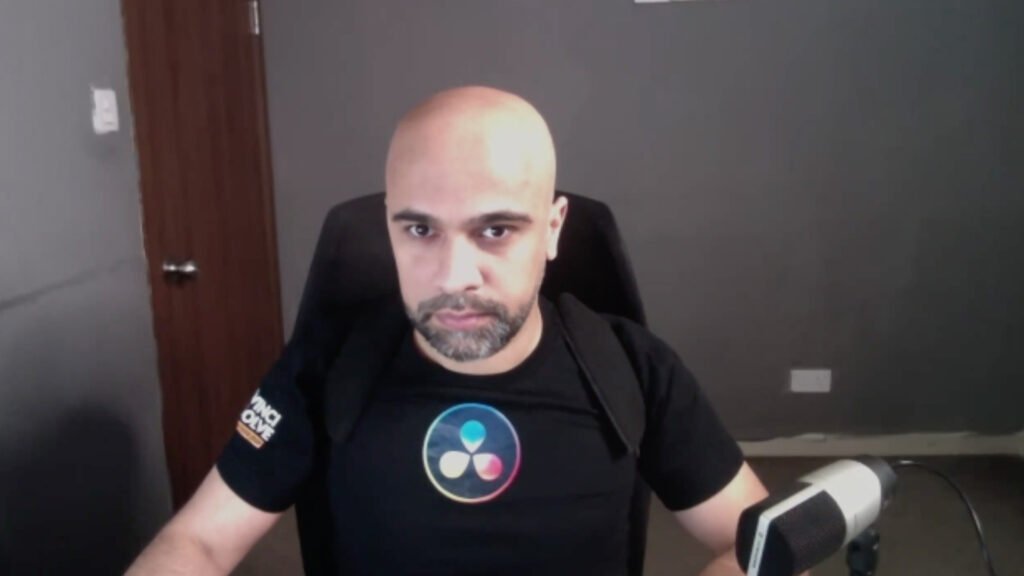
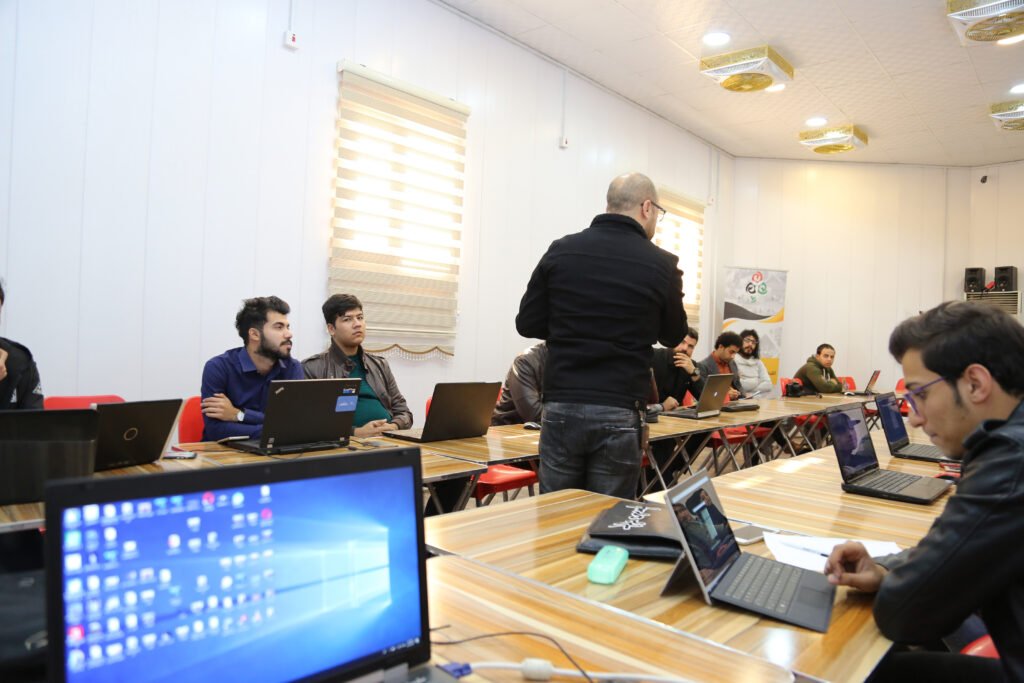
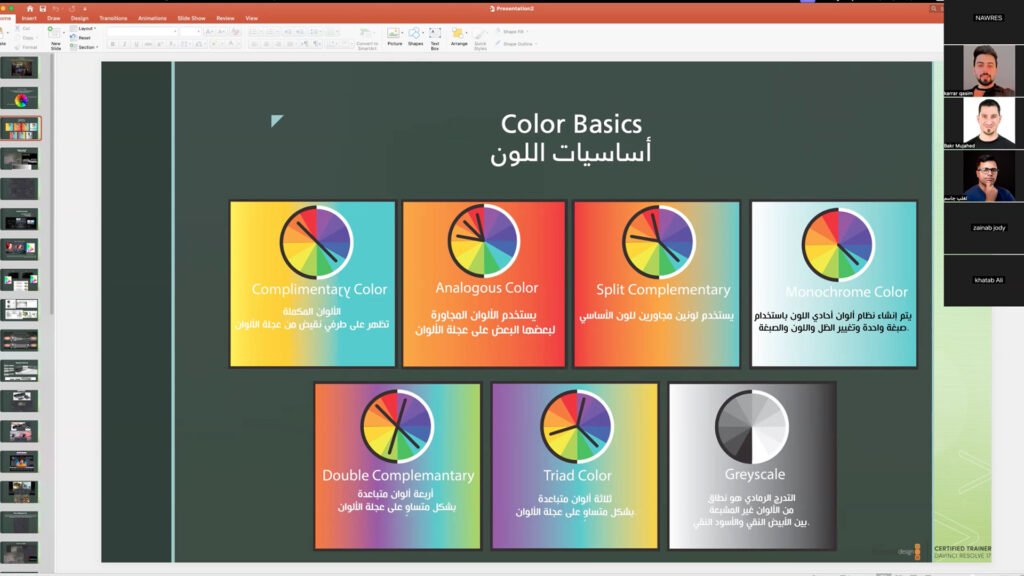
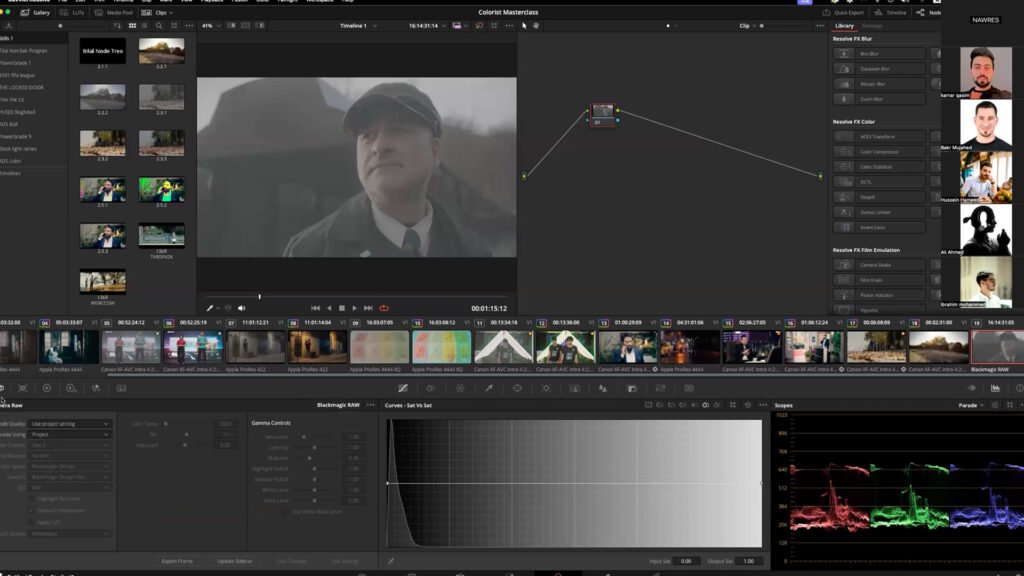
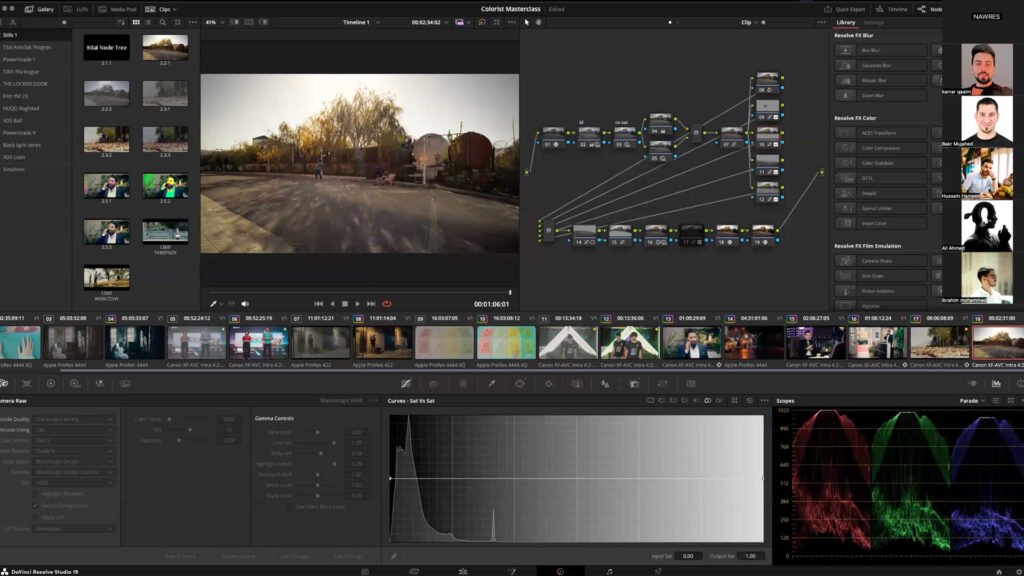
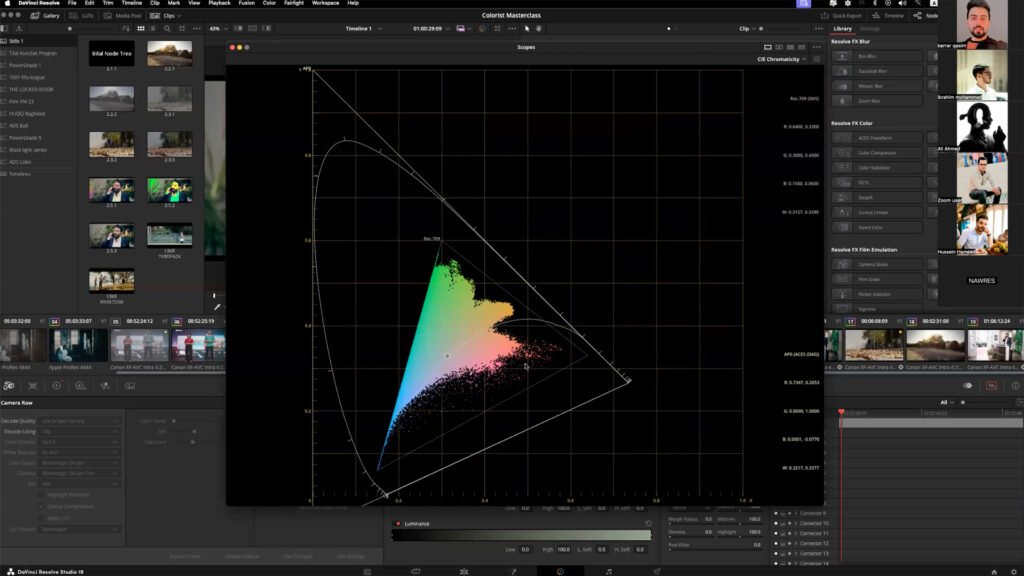
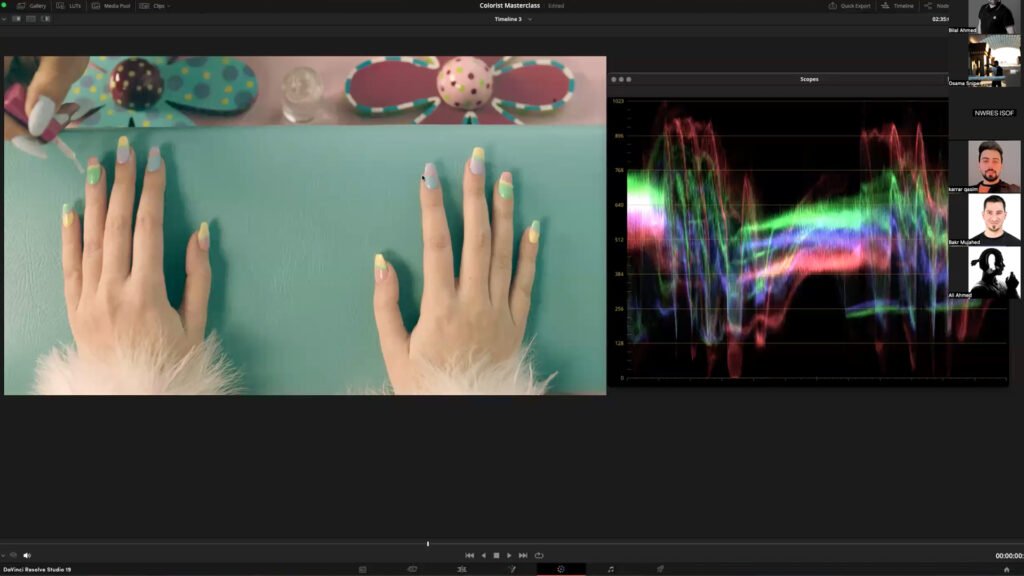
Got Questions?
Frequently asked.
Are these courses official?
Yes. Luma Studio is an official Blackmagic Design Training Partner, and these courses strictly follow the Blackmagic Design certified curriculum.
Do I get certified at the end?
At the end of each course you are offered the official Blackmagic Design certification exam that matches the course.
Which course should I start with?
New to DaVinci Resolve? Start with the Beginner's Guide. If you already edit or grade, go straight to the Editor's or Colorist's Guide. Not sure? Message us and we will help you choose.
Where are classes held?
At Luma Studio in Zayouna, Baghdad, opposite Dream City Mall.
Can you train our team or institution?
Yes. We run official training for teams and institutions on request. Get in touch to plan a session.
Is this the same as the Colorist Masterclass?
No. The Colorist Masterclass is Bilal's own online course, based on his professional experience. You can find it on Our Courses.
Next Intake
Register your interest.
Message us and we will let you know the dates of the next course.